
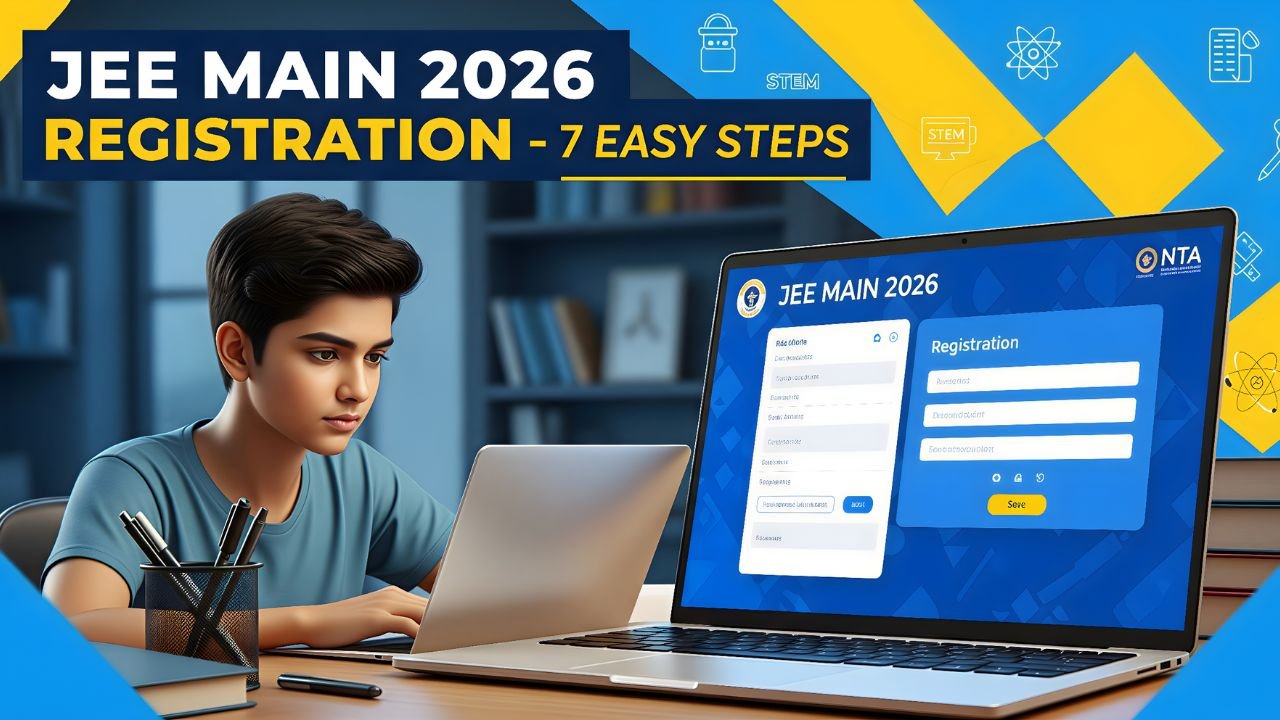
Preparing for JEE Main 2026 can feel stress in mind, but registering for it doesn’t have to be confusing. Many students make small mistakes during registration and after that they face issues with admit cards or exam centers. To help you avoid that mistakes in the coming days, here’s a complete step-by-step guide to do the registration perfectly without doing any mistakes.
Let’s go through everything clearly — from important dates and eligibility to documents needed, step-by-step registration, fees, and the new onscreen calculator update.
Table of Contents
Step 1: Know the Important Dates
The National Testing Agency (NTA) has officially started the JEE registration 2026 January session.
Below is the latest update based on NTA’s official notice.
| Event | Dates (Expected / Official) |
|---|---|
| Application form release date | October 31, 2025 |
| Last date to apply | November 30, 2025 |
| Correction window | December 2 – December 4, 2025 |
| Admit card release | January 2026 (first week) |
| JEE Main 2026 Session 1 Exam | January 24 – February 1, 2026 |
| JEE Main 2026 Session 2 Exam | April 6 – April 15, 2026 |
Tip: Always check the official site — jeemain.nta.nic.in — before final submission, because NTA sometimes revises the schedule.
Step 2: Check the Eligibility Criteria
Before filling the form, make sure you are eligible. Here’s a simple breakdown:
Educational Qualification
- You must have passed Class 12 or equivalent in 2024 or 2025.
- Students appearing in 2026 can also apply.
Subjects Required
- Physics, Mathematics, and one of Chemistry / Biology / Biotechnology / Technical Vocational subject.
Age Limit
- There is no age limit for JEE Main.
- However, candidates must satisfy the age limit criteria of the institute (like NITs, IIITs, GFTIs) they want to join.
Number of Attempts
- You can appear in both sessions (January and April).
- The best score among the two will be considered for ranking.
Step 3: Keep These Documents Ready
Before you start filling out the online form, keep everything ready. It will save time and reduce mistakes.
Documents Needed:
- Class 10 and 12 mark sheets
- Aadhar Card or valid ID proof
- Scanned passport-size photo (recent, with plain background)
- Scanned signature (black pen on white paper)
- Category certificate (if applicable)
- PwD certificate (if applicable)
File size and format:
- Photo: 10–200 KB (JPG/JPEG)
- Signature: 4–30 KB (JPG/JPEG)
- Documents: PDF format under 300 KB
Tip: Use the official image resize tool on the NTA site — it ensures your file fits perfectly.
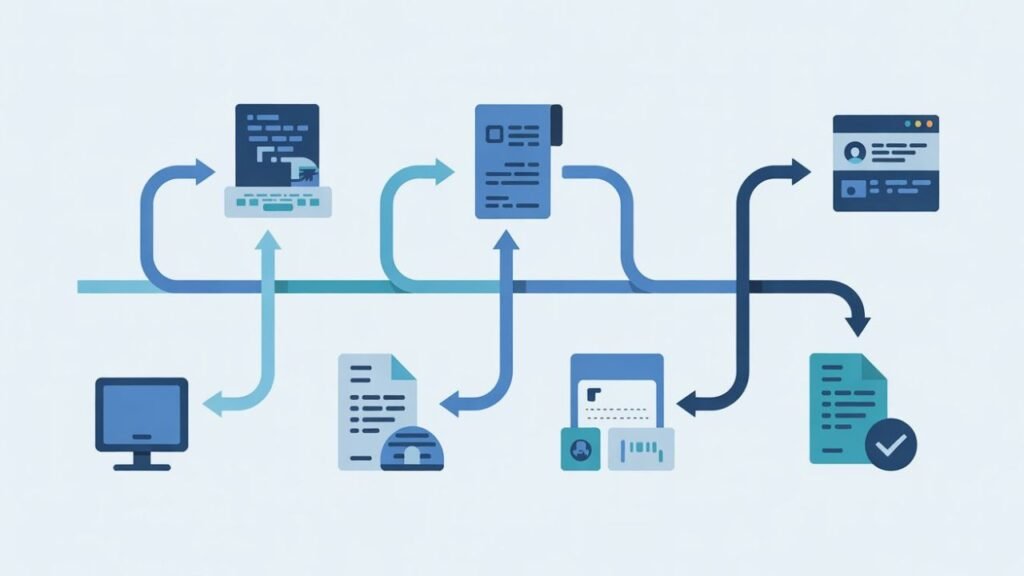
Step 4: Follow the 7-Step Registration Process
Now let’s go through the actual form filling in a simple, step-by-step way:
- Visit the official site:
Go to https://jeemain.nta.nic.in - Click on “JEE Main 2026 Registration”
Choose New Candidate Registration if you haven’t registered before. - Fill basic details:
- Name, Date of Birth, Gender, Nationality
- Valid mobile number and email ID
(You’ll receive OTPs here for verification.)
- Create a password:
Use a strong one — note it safely. Don’t share with anyone. - Fill academic details:
- Year of passing / appearing
- School name and board
- Subject combination (Physics + Maths + Chemistry/Biology etc.)
- Upload photo and signature:
Make sure the image is clear and not older than 6 months. - Pay the application fee:
You can pay through UPI, debit/credit card, or net banking.
Step 5: Application Fee Structure (2026)
Here’s the official fee structure based on gender and category:
| Category | Boys | Girls |
|---|---|---|
| General / OBC (India Centers) | ₹1000 | ₹800 |
| SC / ST / PwD | ₹500 | ₹500 |
| Foreign Centers | ₹5000 | ₹4000 |
Note: If you apply for both Paper 1 (B.E./B.Tech) and Paper 2 (B.Arch/B.Planning), fees will be slightly higher.
Step 6: Confirm and Download the Form
After payment, download and print your confirmation page.
This is proof that your registration is complete.
Important:
- Do not wait for an email confirmation.
- Check the status on the NTA portal regularly.
- Save a copy of your filled form and payment receipt.
Step 7: Understand the New Onscreen Calculator Update
This year, NTA has introduced a new feature — Onscreen Calculator.

Earlier, calculators were not allowed in JEE Main. But from 2026, students can use an onscreen calculator inside the exam interface.
Here’s what it means for you:
- You won’t be allowed to carry any physical calculator.
- The exam screen will have a built-in calculator for basic and scientific functions.
- It will help with long calculations (especially in Physics and Maths).
- The calculator will be available for both Paper 1 and Paper 2.
Benefits:
- Saves time in complex calculations
- Reduces silly manual calculation errors
- Ensures equal advantage for all candidates
However, practice using online scientific calculators during mock tests so you don’t get confused on exam day.
Mistakes You Must Avoid

Many students face problems because of small mistakes. Avoid these:
- If you are using a wrong photo or unclear signature
- If you are entering wrong email or mobile number
- If you are selecting wrong exam center preference
- Forgetting to download the confirmation page
- Not checking the correction window dates
- Paying fees through slow or unstable internet
- If you are uploading documents in the wrong format
If you make any mistake, don’t panic — NTA opens a correction window for a few days after the registration closes. Use it carefully.
JEE Main 2026 Paper Pattern (Quick View)
| Paper | Subjects | Questions | Total Marks |
|---|---|---|---|
| Paper 1 (B.E./B.Tech) | Physics, Chemistry, Mathematics | 90 (75 to attempt) | 300 |
| Paper 2A (B.Arch) | Maths, Aptitude, Drawing | 82 | 400 |
| Paper 2B (B.Planning) | Maths, Aptitude, Planning | 105 | 400 |
Type of Questions:
- Section A: Multiple Choice (MCQs)
- Section B: Numerical value questions
Each correct answer = +4 marks
Each wrong answer = –1 mark
Useful Tips to Fill the Form Smoothly
- Use a laptop or computer, not a mobile phone.
- Read every instruction carefully before clicking “Submit.”
- Double-check spelling in your name and parents’ names.
- Keep a strong internet connection during payment.
- Always save a soft copy of your final form.
- Keep checking jeemain.nta.nic.in and nta.ac.in for updates.
- If you face payment issues, retry after some time or use another payment mode.
After Registration – What Next?
Once you’ve registered and downloaded your confirmation page, your next steps are simple:
- Prepare your documents for admit card verification.
- Download your admit card once NTA releases it in January 2026.
- Check your exam center and shift timing.
- Carry your admit card, ID proof, and one passport-size photo on the exam day.
- Follow all instructions mentioned on the admit card carefully.
Bonus: How to Stay Stress-Free During Registration
- Don’t rush. Take time to fill the form.
- Keep your documents in one folder.
- Fill the form during non-peak hours (like early morning).
- Ask a parent, friend, or teacher to cross-check before final submission.
- Always keep your login details written safely.
Quick Recap
Here’s a small summary to keep handy:
- Registration started: October 31, 2025
- Last date to apply: November 30, 2025
- Official website: jeemain.nta.nic.in
- Fee payment: Online only
- Onscreen calculator: Introduced from 2026
- Admit card release: January 2026
- Exam dates: January 24 – February 1, 2026
Final Words
JEE Main 2026 registration is not hard — you just need patience, clarity, and the right information to get register smoothly. If you stay organized and follow the steps above, your registration will be done in one go without any trouble.
Remember, accuracy matters more than speed during form filling. Once you’re done, focus on your preparation — because the real test is yet to come!
Disclaimer: All details mentioned here are based on the latest public updates from the NTA and may change slightly. Students are advised to always cross-check official announcements at https://jeemain.nta.nic.in before taking any action.ck
Also Read:


Alright mate, 7gbet’s got a decent selection. Been having a bit of a punt there myself. Nothing too crazy mind you, just a bit of fun. Worth a look if you’re after a new spot. Check it out here: 7gbet
Kralbetpatner is where it’s at, if you know what I’m saying! If you are after collaboration, this could be for you: kralbetpatner
Alright Co Tuong fans, looking for ok22fun.com? Looks like this is the spot to play or find stuff about it. Dive in and get your game on! co tuong ok
Alright, time to try my luck! Anyone trying to log into ph777casino? Looks like this is the spot: ph777casinologin
Pour etre franc jai essaye la roulette sur bonus https://rentry.co/ukg358pz cest decevant pas sur de
Je pense que je reviens sur ce. Site avec jackpot https://register.quincycollege.edu/ICS/_portletview_/Academics/CSI/CSI__101/2014_10-CSI__101-ON___3/Collaboration.jnz?portlet=Forums_2013-08-23T14-35-57-942&screen=PostView&screenType=change&id=cd784d5b-95a4-4813-8f11-44d1bd9059f3 cest intense je reviendrai.
De mon cote jai vu ce bonus. Sur gain https://register.quincycollege.edu/ICS/_portletview_/Academics/CSI/CSI__101/2014_10-CSI__101-ON___3/Collaboration.jnz?portlet=Forums_2013-08-23T14-35-57-942&screen=PostView&screenType=change&id=cd784d5b-95a4-4813-8f11-44d1bd9059f3 cest relax pas sur de.
Franchement je garde en tete ce programme. Via casino https://eq-ccqqfar.usac.edu.gt/logo-quimica/#comment-1772655 cest imprevisible peut mieux faire.
Pour ma part plusieurs discussions mentionnent https://heylink.me/lionemellio/?_gl=1*4k3yf1*_gcl_au*MTI2MDQ0OTIwNC4xNzc2NzcyMjMwLjE4MTM4Mzc5NzUuMTc3Njc3MjI0Ny4xNzc2NzczMjEx*_ga*NTM4MDAyMTMxLjE3NzY3NzIyMzA.*_ga_SLMX7BZBWP*czE3NzY3NzIyMjkkbzEkZzEkdDE3NzY3NzM1OTQkajYwJGwwJGgxNDYyMzIwOTcy pour les options mise flexible.