
Table of Contents
1. Introduction
Google’s Gemini app recently received a major boost with the 2.5 Flash Image update, internally nicknamed “Nano Banana.” This is not just another AI filter—it’s a powerful, generative image editor that transforms how you can edit photos. Imagine changing your outfit or making yourself pop up in a new background, all while still looking like… well, you. Let’s dig into what makes this update special and how you can make the most of it.
2. What Is Gemini Banana Nano? (Gemini 2.5 Flash Image)
Gemini 2.5 Flash Image — aka Nano Banana — is Google’s latest image generation and editing model integrated into the Gemini app, Google AI Studio, and Vertex AI. It’s built to preserve character consistency across edits, accepts multi-step prompts, and combines developer-level control with everyday usability.
3. Top Tricks & Features You Should Try
Trick 1: Consistent Character Edits
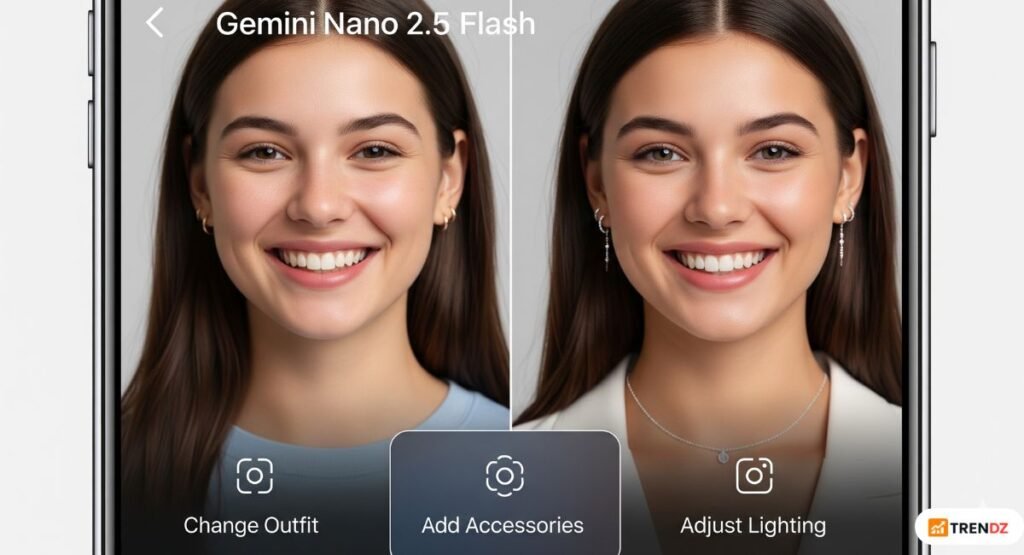
Ask Gemini to change your outfit, add accessories, or alter lighting, and it keeps your face recognizable. That’s the “you, only better” magic.
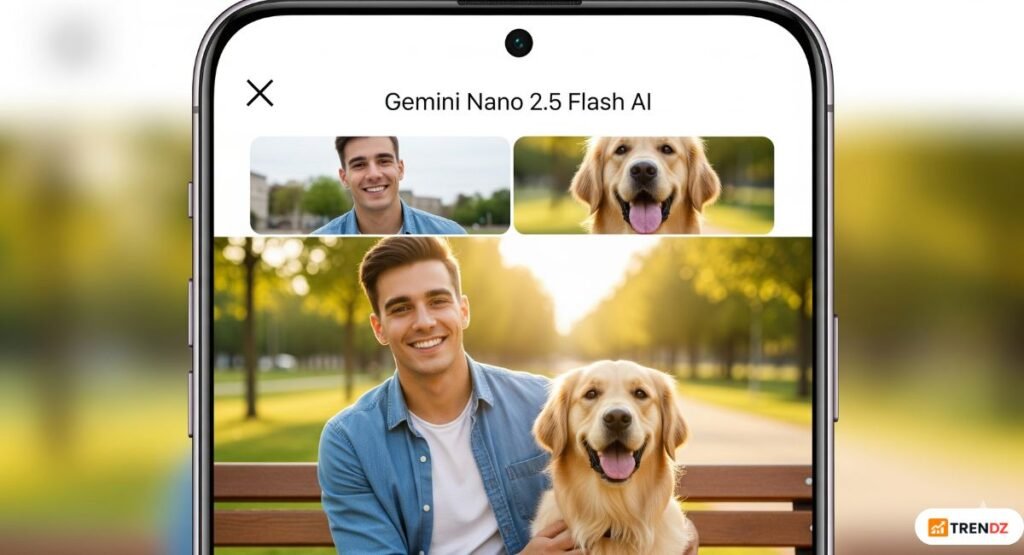
Trick 2: Blend Multiple Images into One
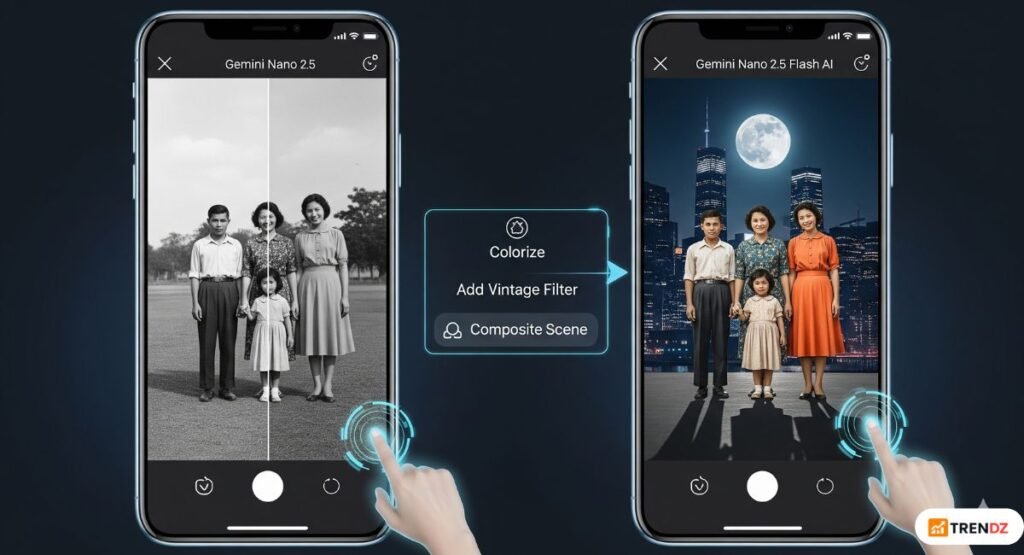
Merge your selfie and your pet photo into a single scene or layer yourself into a new environment—without any mismatch in tone or lighting.
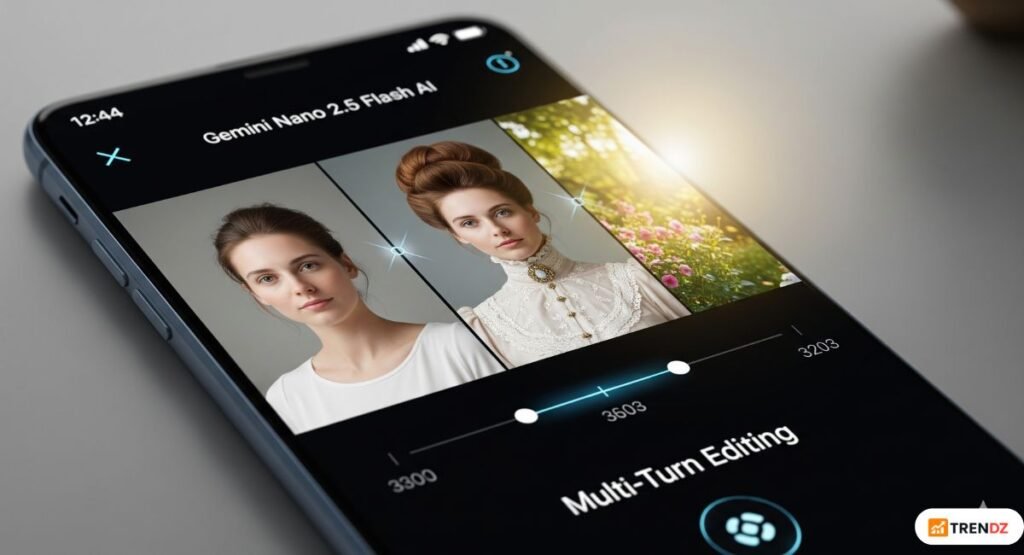
Trick 3: Multi-Turn Editing
Start with one prompt (“Add a beehive hairstyle and vintage dress”), then refine (“Now brighten the background”). The app remembers your edits and refines each stage.
Trick 4: Contextual Transformations
Want a scene with neon lights? Tell Gemini “surround the subject with neon and adjust shadows”—it adapts intelligently.
Trick 5: Create Rich Storytelling Visuals
Combine poses, costumes, and backgrounds to produce narrative-style images—e.g., “me as a matador in a vintage painting setting.”
Trick 6: Apply Styles from One Image to Another
You can apply a texture or pattern from one photo onto something in another—for instance, the pattern of butterfly wings on a dress.
Trick 7: Fast Edits Under 30 Seconds
Most edits complete in under half a minute—significantly faster than competing models.
Trick 8: Invisible SynthID Watermark
Edited images include invisible watermarking to show they’re AI-generated. Not always visible, though, so be aware of authenticity issues.
Trick 9: Share Widely—App & Developer Support
accessible through Vertex AI, Google AI Studio for developers, and the Gemini app (free and premium levels).
Trick 10: Try Creative Prompts
Try using suggestions like “insert me into a moonlit skyline with dramatic lighting” or “colourize this old photo, then add a slight vintage filter.”
4. Why It Stands Out (The Tech Highlights)
- Character Consistency: Keeps the subject intact across edits—unlike typical AI.The Times of India
- Speed & Accessibility: Real-time edits without lag or complexity.
- Generative & Editable: Combines generation and editing in one flow.
- Embedded AI Metadata: Watermarks help with content verification.
- Broad Availability: Works for consumers and developers across platforms.Times Google Developers Blog
5. Real-Life Use Cases
- Social media users can create polished portraits or creative scenes quickly.
- Marketing professionals get custom visuals in minutes for campaigns.
- Parents and pet lovers can place pets in funny or heartwarming scenes.
- Designers can craft mood boards and iterate fast with prompt-based edits.
6. Pros & Cons
Pros
- Super fast and easy to use
- Keeps person recognizable across edits
- Creative multi-turn prompts enable fine control
- Accessible via multiple Google platforms
Cons
- Can’t crop precisely to custom ratios yet.
- Invisible watermark detection not publicly available yet.
- Potential misuse for deepfakes or manipulated images, so use responsibly. PostAxios
7. FAQs
Q1: What exactly is the “Nano Banana”?
It’s Gemini’s 2.5 Flash Image model—an AI-powered image editor that keeps the subject visually consistent, handles multi-step prompts, and gives fast, realistic edits.
Q2: How does it differ from older Gemini models?
Older versions focused on basic generation. The 2.5 Flash Image excels at character consistency and multi-turn editing.
Q3: Can I try it without paying?
Yes! It’s available in the Gemini app both for free and premium users, as well as in Google AI Studio and Vertex AI.
Q4: Is there any watermark or trace of AI editing?
Yes—images include a visible watermark and an invisible SynthID watermark to flag AI usage.PC
Q5: Is it safe to use real-person images?
While the tool is impressive, there’s a risk of deepfake misuse. It’s ethical to use responsibly and avoid misleading edits.
8. Conclusion
Google’s Nano Banana (Gemini 2.5 Flash Image) is a standout development in AI editing—blending speed, style, and simplicity. Whether you’re an everyday user wanting creative edits, a professional needing quick visuals, or someone who enjoys experimenting, your imagination is your only limit. But remember, with great power comes responsibility—use it wisely.
Also Read: ChatGPT Prompt Tricks , SCO 2025 Summit


Appreciate the effort put into this. It’s always good to see quality content.
Hey hey! Gamef88, eh? Worth a peek if you wanna try something different. Jump on over to gamef88